
Microsoft Clarity Conversion Friction: Find CTA and Form Problems Without Replay Guesswork

Introduction
Low conversion is hard to diagnose when every answer begins with another session recording.
A team may open Microsoft Clarity session replay hoping to find the reason visitors are not signing up, requesting a demo, completing checkout, or submitting a form. After ten recordings, the team has seen hesitation, scrolling, missed clicks, half completed forms, and a few confusing page moments. The problem is that none of those recordings proves which issue is common enough to fix first.
That is where replay review becomes expensive. Microsoft Clarity can show heatmaps, session recordings, dead clicks, rage clicks, quickbacks, script errors, scroll behavior, and page level behavior, but teams still need a way to separate useful evidence from interesting noise.
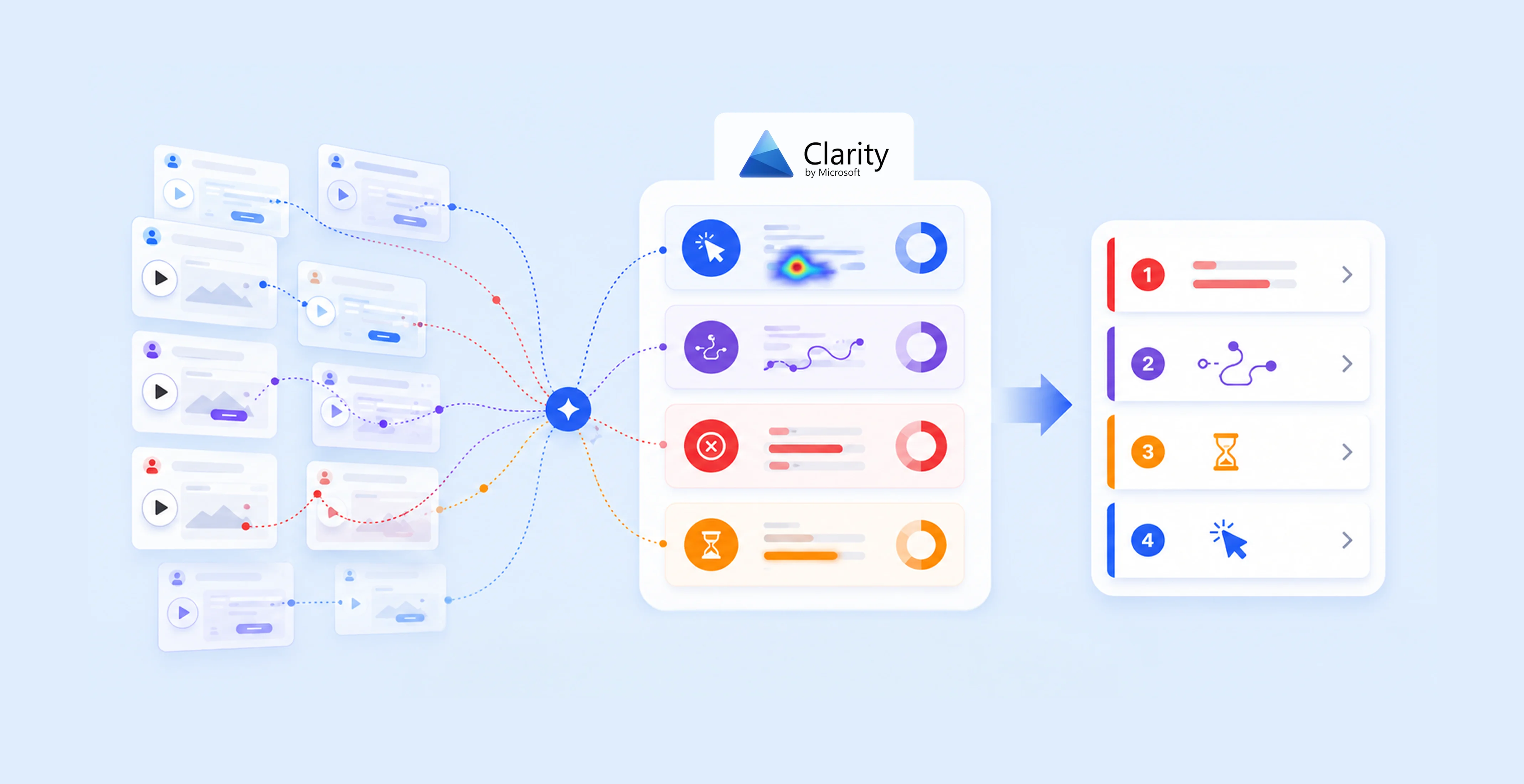
Whitefox’s Microsoft Clarity analysis solution helps teams review non converting sessions before they decide which recordings deserve human attention. Instead of watching random replays, the team can group visitors by what went wrong: missed CTA, ignored CTA, dead click near the wrong element, abandoned form, repeated field hesitation, device issue, browser issue, or unclear next step.
The goal is not to stop watching recordings. The goal is to watch the right recordings after the pattern is already visible.
Group failed journeys before watching individual recordings
Conversion friction analysis should begin by grouping the journeys that did not finish.
A signup failure is different from a demo form abandonment. A checkout drop is different from a visitor who never reached the CTA. A visitor who clicks around a visual card is different from someone who opens a form, hesitates on one field, and leaves. These behaviors should not be mixed into one broad “low conversion” bucket.
Once the failed journey is grouped, Microsoft Clarity becomes more useful. Heatmaps can show whether visitors reached the right area. Session recordings can show the hesitation before the exit. Dead clicks can reveal where people expected an action. Script errors can show whether the problem may be technical. Device and browser context can show whether the issue affects everyone or only a specific segment.
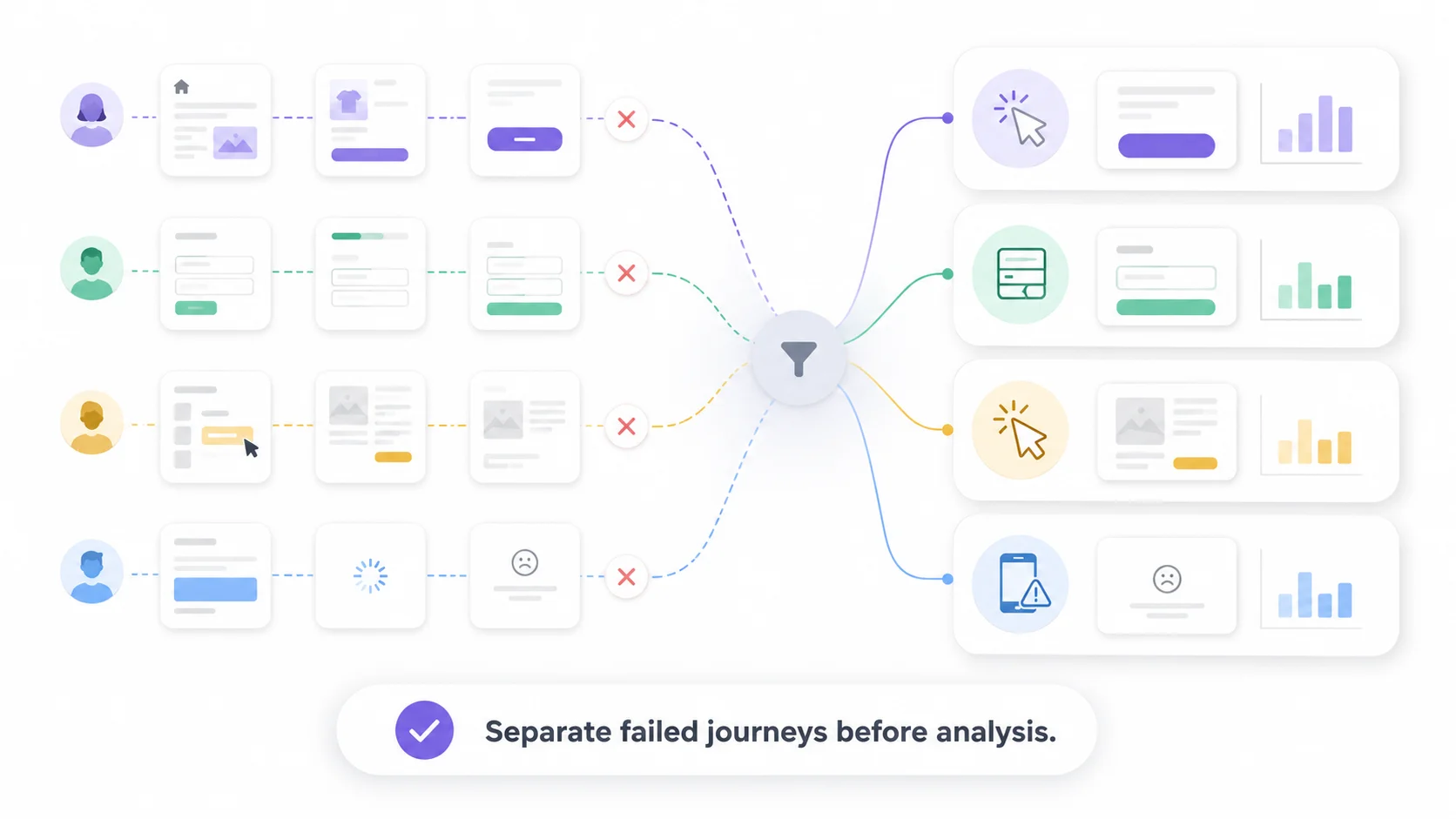
This grouping logic reduces replay waste. The team does not begin with a random recording. It begins with a friction category, then reviews the sessions that best represent that category.
This makes the review more practical because the question changes from “what can we find in recordings?” to “which failed journey pattern should we inspect first?”
What goes wrong when teams watch recordings without a pattern
Replay guesswork starts when a team opens Microsoft Clarity session recordings and lets the most memorable session shape the decision.
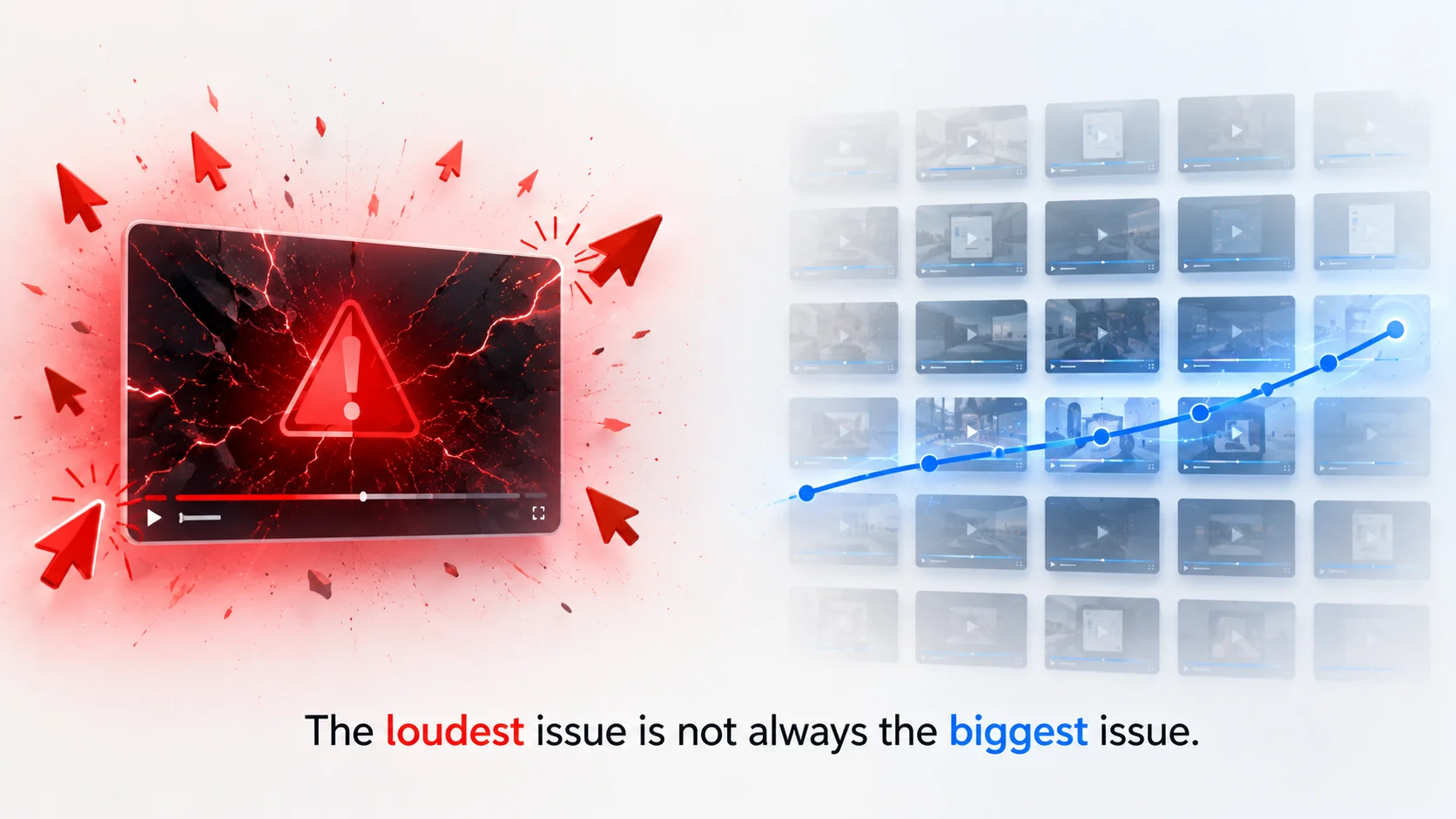
That creates a bias problem. A dramatic rage click may feel urgent, even when only a few visitors experienced it. A long recording may look important because it contains more behavior, even if it does not represent the main drop off point. A quiet abandonment may look boring, even though many visitors may be leaving at the same form field or missing the same CTA.
This is why unstructured replay review can waste time. The team may fix the loudest issue instead of the most repeated issue. It may redesign a section because one visitor looked confused. It may blame copy, layout, traffic quality, or engineering before checking whether the same pattern appears across enough non converting sessions.
The better review process reduces that risk by turning recordings into evidence groups. Visitors who miss the CTA are separated from visitors who see it and ignore it. Visitors who start a form and leave are separated from visitors who never reach the form. Visitors affected by dead clicks, rage clicks, quickbacks, or script errors can be reviewed as their own category.
The result is a cleaner review process. The team still uses human judgment, but it starts with better evidence.
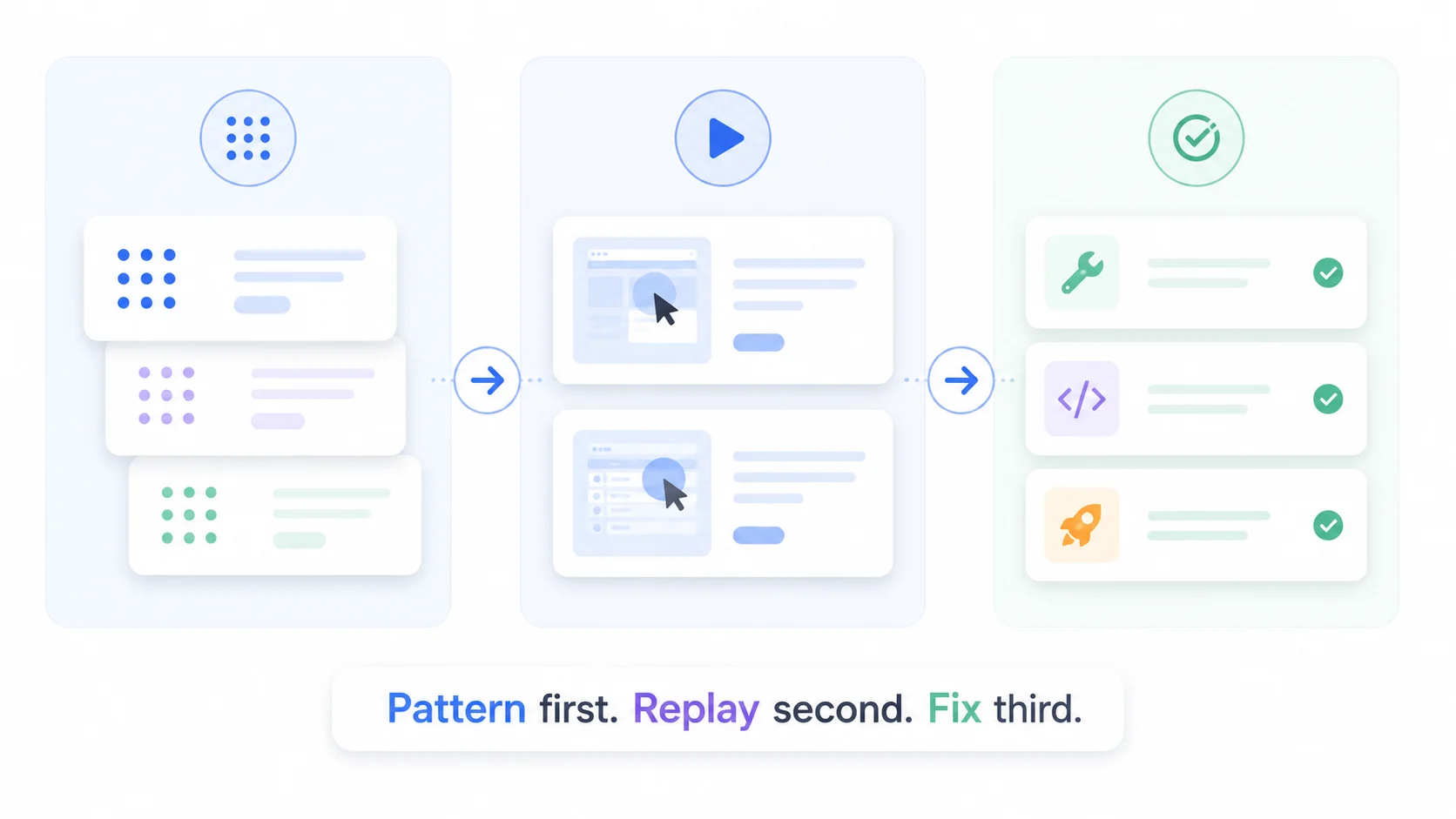
The better workflow is pattern first, replay second, fix third
A stronger conversion review does not begin with a recording. It begins with a pattern.
First, the team identifies the conversion step that failed. Then it groups non converting sessions by behavior. After that, it selects representative recordings from the largest or most commercially important group. Only then should the team decide whether to change the CTA, simplify the form, adjust the layout, rewrite the message, or investigate a technical issue.
This order matters because different friction patterns need different fixes. If visitors do not reach the CTA, the page structure may need attention. If they reach the CTA but do not act, the message or offer may be unclear. If they click near the CTA but miss the intended action, the visual hierarchy may be weak. If they start the form and abandon it, the issue may be field difficulty, perceived effort, trust, or timing.
This workflow works best when Microsoft Clarity behavior signals are organized into review queues. Instead of sending the team into hundreds of recordings, the process surfaces the sessions most likely to explain the conversion problem.
The business value is focus. The team spends less time watching and more time deciding what to test.
Practical scenario: the demo form gets visits but few completions
Imagine a SaaS team with a demo page that receives steady visits, but the form completion rate is weak. The team opens Microsoft Clarity and watches several recordings. One visitor scrolls past the CTA. Another opens the form and leaves. Another clicks a pricing card that does nothing. A mobile visitor taps near the CTA but misses the intended button.
Each recording is useful, but the team still does not know which issue matters most.
In the better workflow, non converting sessions are grouped before the team reviews them. The report shows that many visitors reach the demo section, but a smaller group starts the form. Among form starters, several abandon after the same field. A separate group shows dead clicks near a visual card above the form.
Now the team has a clearer review path. Product can inspect the form step. Design can review the card and CTA hierarchy. Marketing can check whether the page promise matches the demo request. Engineering only needs to investigate if the same issue connects to script errors or a specific browser.
The team is no longer watching recordings to discover random problems. It is using recordings to confirm the strongest friction patterns.
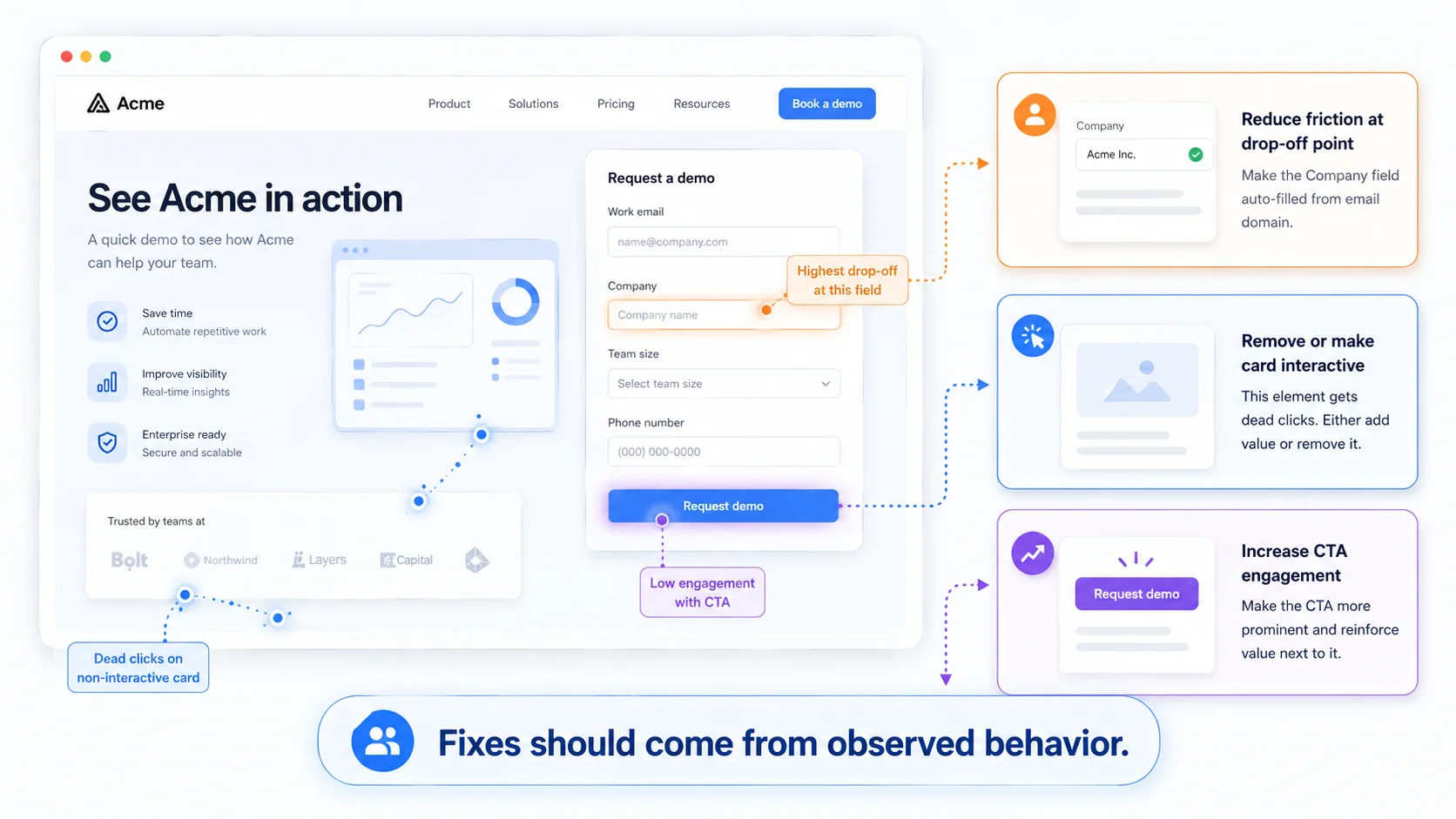
CTA and form fixes should come from the observed behavior
CTA and form advice becomes weak when it is disconnected from visitor behavior. A bigger button, shorter form, clearer headline, or higher CTA can help, but only when the evidence points in that direction.
A missed CTA suggests the page may be delaying the action too long. An ignored CTA suggests the value or next step may not be clear enough. Dead clicks near a visual element suggest that the design may be creating false affordance. Form abandonment suggests that the visitor may be hitting effort, confusion, trust concerns, or a field level obstacle.
Those signals should connect directly to more specific next actions. The team can decide whether to move the CTA, clarify the copy, simplify the form, change the visual hierarchy, review mobile layout, or inspect a technical issue.
That is the difference between generic optimization and useful diagnosis. The recommendation should come from the pattern, not from a checklist.
Why Whitefox is suited to build this conversion diagnosis workflow
A conversion diagnosis workflow needs product thinking, AI analysis, API integration, and practical software delivery. It needs to connect Microsoft Clarity data with the business goal the team cares about.
Whitefox is suited to this because the company builds custom software, AI and machine learning systems, API integrations, web apps, mobile apps, and production ready workflows. Whitefox’s AI services page describes the company as helping businesses move from manual workflows to automated systems, which fits the goal of turning Clarity review into a repeatable conversion diagnosis process.
A conversion diagnosis solution may need to integrate with CRM systems, campaign tools, reporting dashboards, Slack, email, client portals, or internal product analytics. Teams that need this kind of workflow can explore Whitefox’s AI software development services. If the workflow needs senior planning before implementation, Whitefox’s fractional CTO services can help shape the architecture and rollout.
Conclusion
The goal of conversion analysis is not to watch more Microsoft Clarity recordings. The goal is to understand which visitor behavior pattern is blocking the action that matters.
Whitefox’s Microsoft Clarity analysis solution helps teams group non converting sessions, prioritize the most useful recordings, and connect behavior signals to practical CTA and form recommendations. It turns replay review from a time consuming search into a focused diagnosis process.
That is how teams find CTA and form problems without replay guesswork.
Ready to Explore AI in Your Projects?
Let’s talk about how AI models can accelerate your engineering workflows
and unlock new possibilities.
