
Microsoft Clarity Morning Reports: Replace Repeated Dashboard Checks With Prioritized Team Actions

Introduction
Most teams do not struggle with Microsoft Clarity because the dashboard is empty. They struggle because the dashboard creates another daily ritual.
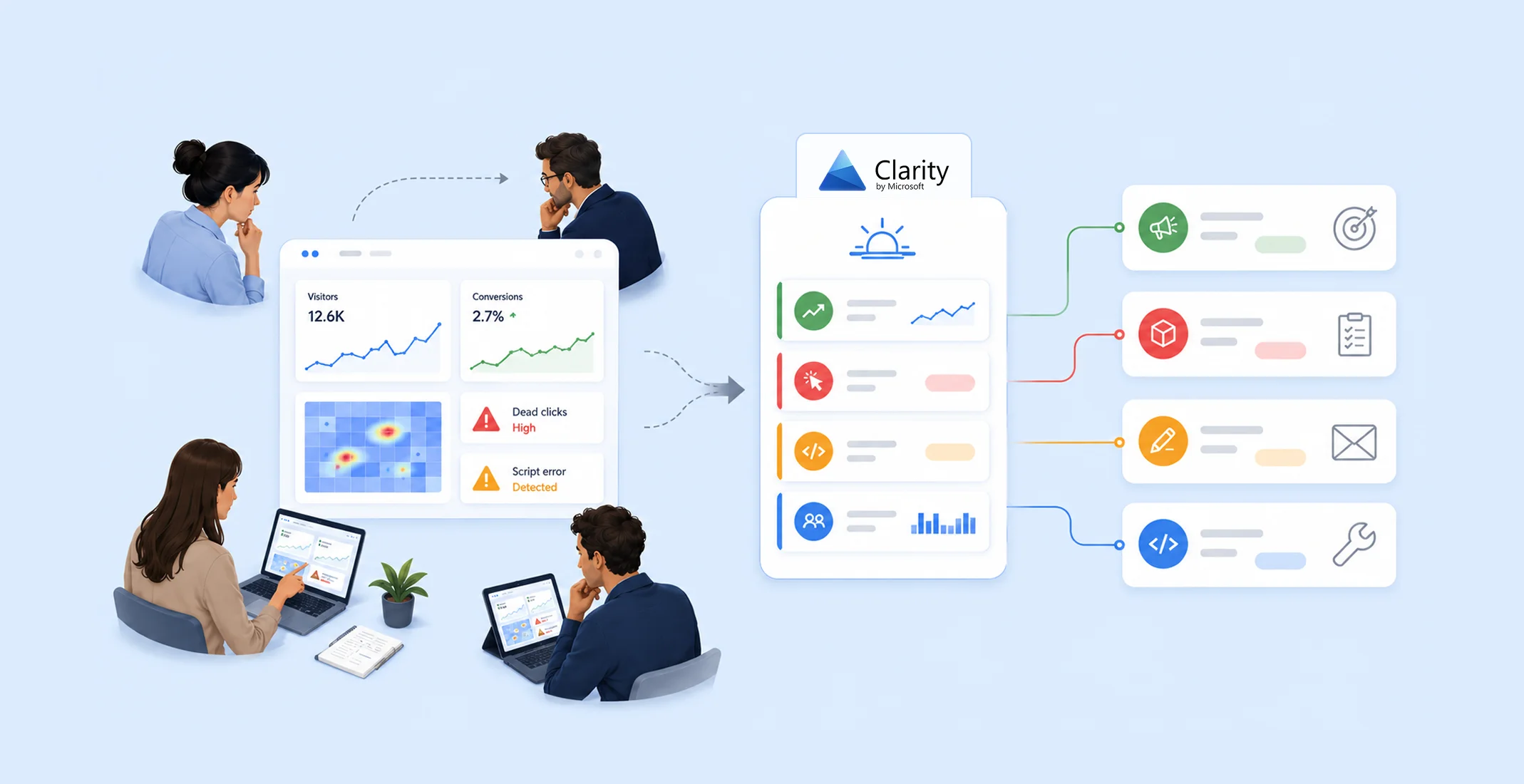
In many teams, Microsoft Clarity review becomes scattered across roles. Traffic, recordings, heatmaps, dead clicks, and technical signals are checked separately, but no one leaves with a clear priority. By the time the review ends, the dashboard has created more discussion than direction, and the real question remains: what should we do today?
Whitefox’s Microsoft Clarity analysis solution turns that habit into a morning action report. The report does not ask every team member to interpret the dashboard from scratch. It gives the team a shared starting point, what changed, why it matters, who should look at it, and what should happen next.
The goal is simple: replace daily dashboard checking with a clearer operating rhythm.
Make the morning report answer one operational question
A useful Microsoft Clarity morning report should not try to explain everything. Its first job is to tell the team whether anything needs attention today.
That changes the purpose of the review. Instead of asking each person to open the Microsoft Clarity dashboard and search for something interesting, the report should organize the day around priority. Did something change enough to matter? Is the issue owned by marketing, product, design, engineering, or leadership? Is it worth acting on now, watching for a few more days, or saving for the weekly review?
This is where manual dashboard checking becomes inefficient. A team can spend time looking at traffic, recordings, heatmaps, dead clicks, rage clicks, quickbacks, script errors, devices, browsers, countries, and URLs without knowing which signal deserves attention first. The work feels analytical, but the output is still unclear.
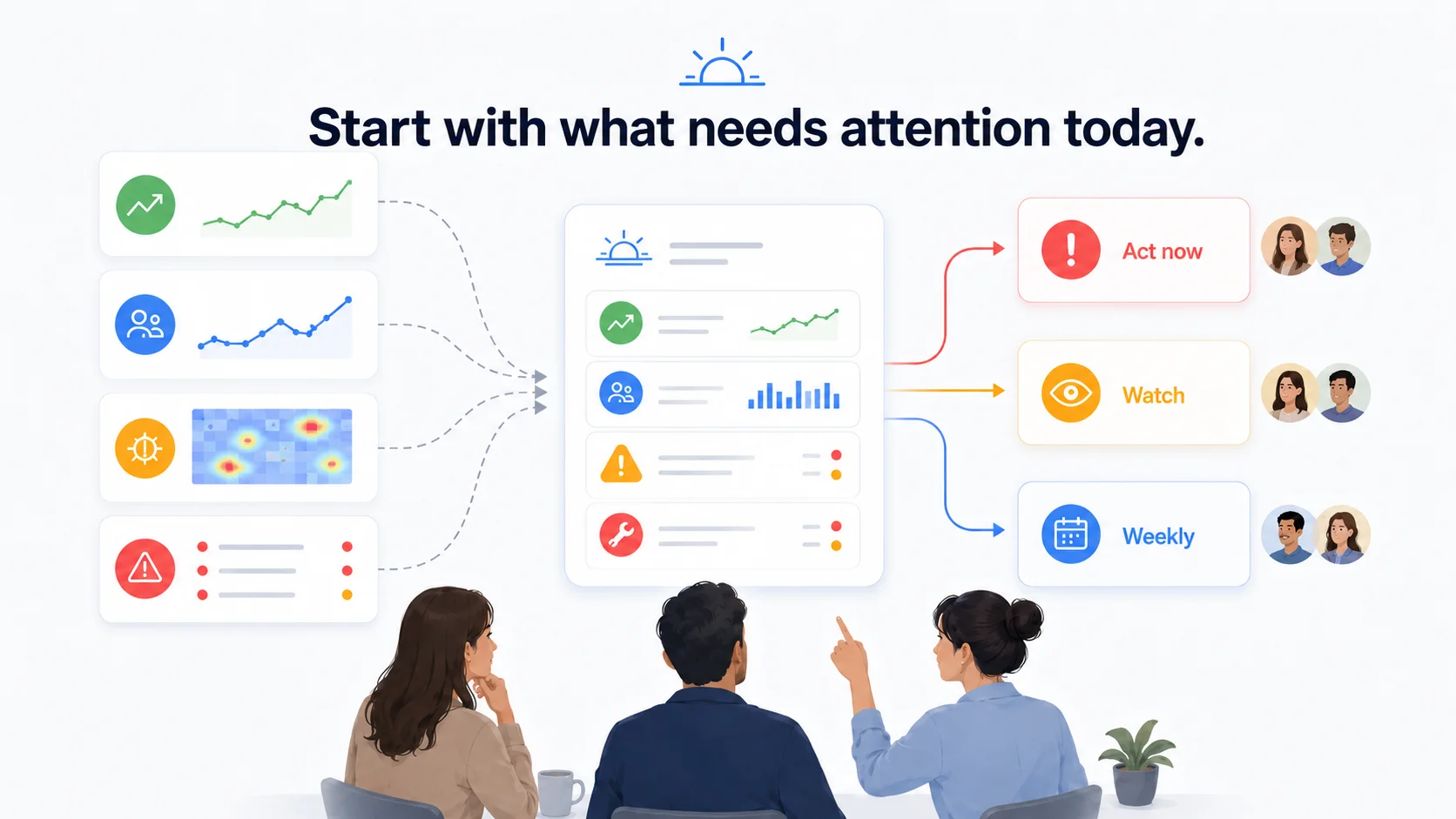
A stronger morning workflow should turn dashboard data into a short list of priorities. One issue may need product review, another may need an engineering check, while a campaign related signal may need the marketing team to review traffic quality. Some changes may not need action yet because the pattern is still too small or too early.
The value is not another dashboard summary. The value is a clearer daily handoff from data to ownership.
What goes wrong when Microsoft Clarity review becomes a daily debate
Manual Microsoft Clarity review often creates debate instead of direction. The dashboard gives everyone enough evidence to support their own theory.
A marketer may argue that traffic is improving. A founder may ask why demo requests did not increase. A designer may focus on scroll depth and CTA visibility. A developer may focus on script errors. A product manager may focus on the signup journey. None of these views are necessarily wrong, but they are incomplete when they are not connected to the business outcome.
This is where detailed noise becomes dangerous. Detailed noise is worse than a vague signal because precise numbers can make teams feel confident about weak conclusions. A dashboard may show exact counts, percentages, charts, and segments, but exact numbers do not automatically produce the right decision.
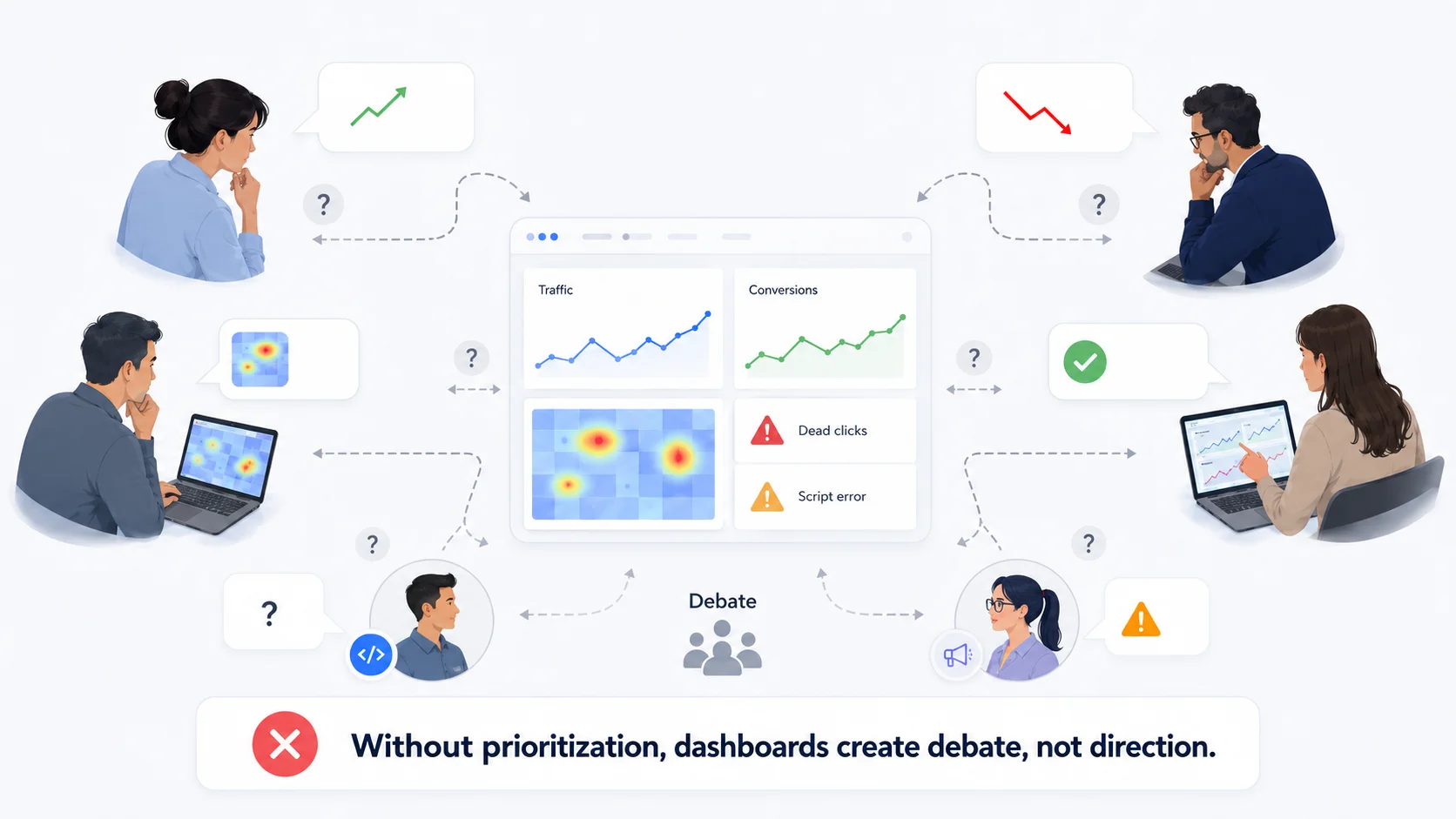
For example, a page may show more traffic and longer engagement time, but fewer demo requests. That should not be celebrated as a simple improvement. Another page may show lower traffic but higher conversion rate. That may be a stronger business signal than the page with more visits. A source may send many sessions, but no signups. Rewarding that source because traffic looks good would be a mistake.
The better approach is to reduce the review to a smaller set of practical questions. Did conversions change? Did conversion rate change? Which page, source, device, browser, country, or friction signal may explain the change? What should be checked first? When the team answers those questions in order, Microsoft Clarity becomes a decision support workflow instead of a dashboard debate.
The better workflow is daily prioritization plus weekly learning
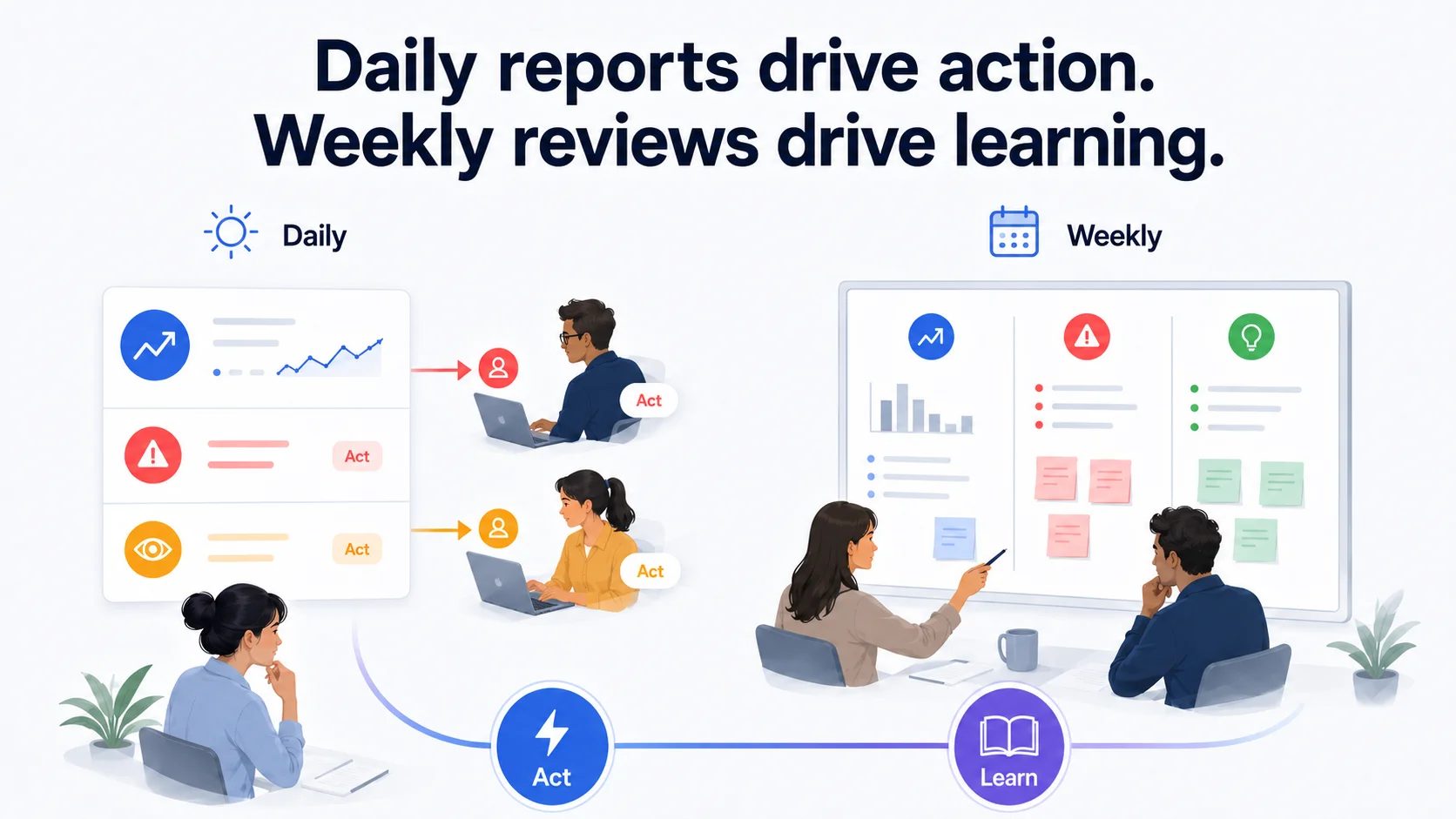
Daily Clarity review should be lightweight. The team should receive a short report that separates urgent items from watch items and learning items. Urgent items need action today. Watch items need more data. Learning items should be saved for the weekly discussion.
This keeps the daily workflow practical. A founder does not need to inspect every recording. A marketer does not need to defend every traffic change. A designer does not need to review every heatmap. A developer does not need to investigate every script error. Each role only needs to see the items that are relevant to its next decision.
The weekly review should be different from the morning report. Instead of reacting to every small change, the team can step back and identify what kept slowing decisions, which fixes helped, and which signals were only distractions. This turns Microsoft Clarity review into a learning process, not another recurring dashboard debate.
This rhythm works best when daily reports and weekly reviews have different jobs. The morning report should support action. The weekly report should support learning. Together, they reduce repeated dashboard checking without removing human judgment.
Practical scenario: the team stops reopening the same dashboard
Imagine a growing SaaS team where Microsoft Clarity is checked by several people every morning. The founder looks for signs of growth. The marketing lead checks whether recent campaigns created traffic. The product manager reviews key pages. The designer checks heatmap behavior. The developer only gets involved when someone mentions a possible technical issue.
The problem is not that the team ignores data. The problem is that everyone reopens the same dashboard for a different reason. Each person spends time forming a separate view, then the morning discussion becomes a negotiation over what matters most.
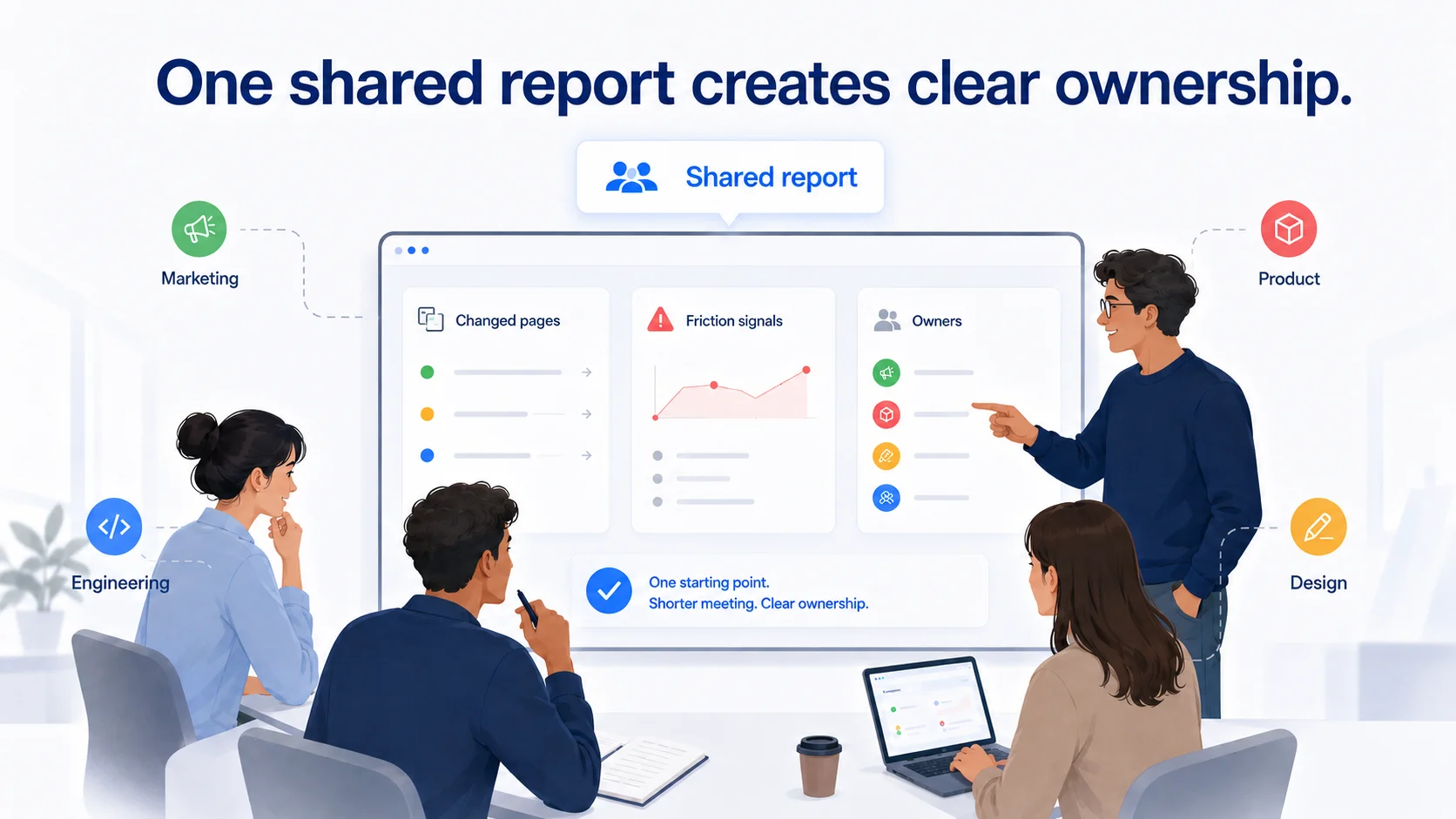
In the better workflow, the team starts from one shared report. The report shows which pages changed, which signals are worth checking, which items need an owner, and which items should be watched rather than acted on immediately.
Marketing sees campaign related items. Product sees journey items. Design sees layout and interaction items. Engineering sees technical items only when the evidence is strong enough to justify investigation.
Why Whitefox is uniquely positioned to deliver this solution
This solution needs more than a report template. It needs API integration, data processing, AI analysis, workflow design, and a practical understanding of how business teams make decisions.
Whitefox is suited to this because the company works across custom software development, AI and machine learning solutions, API development and integration, mobile and web app development, and fractional CTO support. Whitefox’s own site lists services such as custom software development, AI and machine learning solutions, API development and integration, mobile and web app development, and fractional CTO services.
Teams that want to turn analytics review into a working internal system can explore Whitefox’s AI software development services to see how manual workflows can become automated systems. That same approach applies directly to Microsoft Clarity reporting: collect the data, interpret the signals, and send the right action to the right team.
Conclusion
Microsoft Clarity gives teams useful behavior data, but daily dashboard checking can become its own source of friction. When every person opens the dashboard separately, the team loses time before it even decides what needs attention.
The stronger approach is to turn daily review into a shared action rhythm. Instead of searching through the dashboard from scratch, the team starts with a prioritized morning report that shows what changed, why it matters, who should review it, and what should happen next.
Whitefox’s Microsoft Clarity analysis solution helps teams replace repeated dashboard checks with clearer daily priorities. The result is fewer dashboard debates, clearer ownership, and faster decisions.
Ready to Explore AI in Your Projects?
Let’s talk about how AI models can accelerate your engineering workflows
and unlock new possibilities.
