AI-powered recording analytics
Find Conversion Problems
Without Watching
Microsoft Clarity Replays
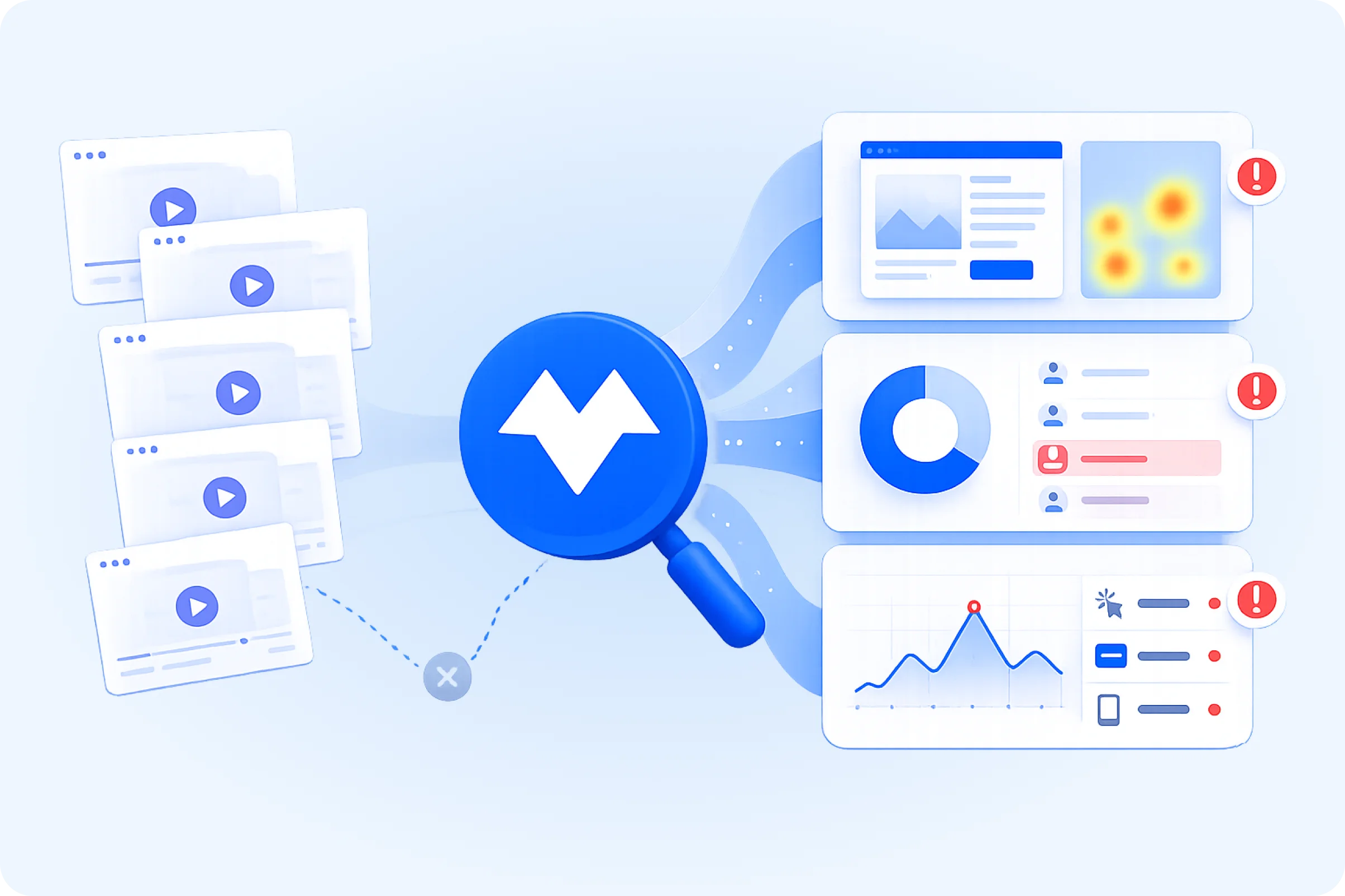
Spot non converting visitors, CTA friction, and page issues before wasting hours in recordings.
Live Clarity
SitesBuilt With tracks 1,455,439 live websites using Microsoft Clarity in 2026
Manual Data Work
Marketers spend 14.5 hours weekly managing customer data collection before useful analysis begins in 2022.
Low Conversion
The average conversion rate across ecommerce sites is under 2%, making friction diagnosis a constant problem in 2025
Why Microsoft Clarity Signals Matter

Session recordings take too long to review manually.
Microsoft Clarity session replay is useful, but SEO and UX teams should not have to watch dozens of recordings just to find one pattern, so Whitefox summarizes the sessions to explain friction.

Low conversion rates are hard to explain from dashboard views alone.
A drop in website conversion can come from weak traffic, unclear page intent, poor CTA optimization, form friction, device issues, or broken user journeys, so Whitefox connects Microsoft Clarity behavior signals into one clearer next action.

CTA problems are easy to miss when signals stay separate.
A weak website CTA may show up through scroll depth, click maps, dead clicks, rage clicks, missed clicks, or abandoned sessions. Whitefox turns Microsoft Clarity heatmap analysis into practical CTA recommendations.

Agencies and multi site teams cannot check every dashboard daily.
When teams manage several websites, clients, campaigns, or landing pages, manual Microsoft Clarity dashboard review becomes inconsistent. Whitefox creates alerts and summaries before issues sit unnoticed.

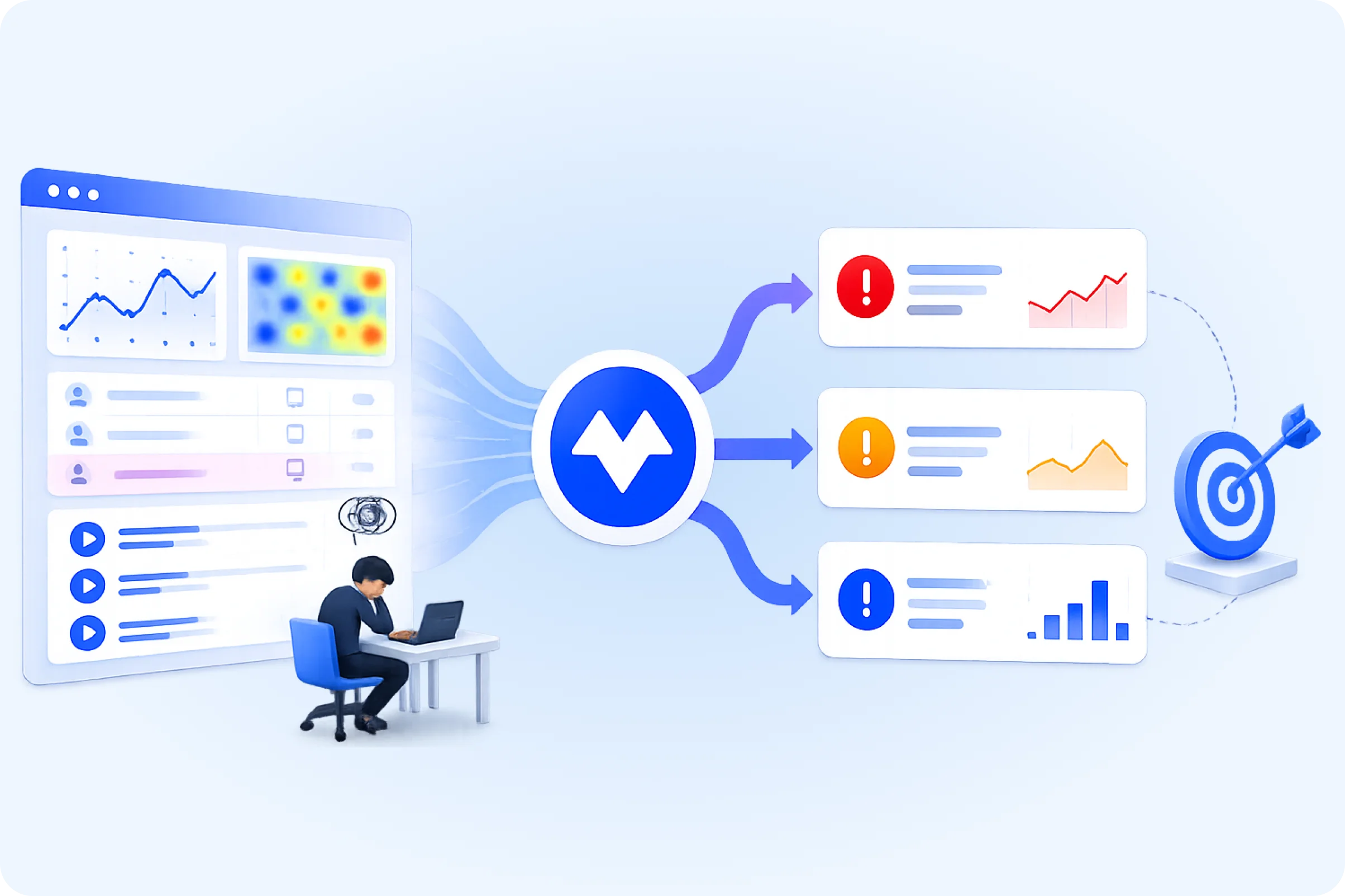
Teams need action ready recommendations, not more raw behavior data.
Microsoft Clarity helps show website behavior, but Whitefox solution is built to translate that behavior into prioritized fixes for UX, CTA placement, traffic quality, and website conversion decisions.
Session recordings take too long to review manually.
Microsoft Clarity session replay is useful, but SEO and UX teams should not have to watch dozens of recordings just to find one pattern, so Whitefox summarizes the sessions to explain friction.
Low conversion rates are hard to explain from dashboard views alone.
A drop in website conversion can come from weak traffic, unclear page intent, poor CTA optimization, form friction, device issues, or broken user journeys, so Whitefox connects Microsoft Clarity behavior signals into one clearer next action.
CTA problems are easy to miss when signals stay separate.
A weak website CTA may show up through scroll depth, click maps, dead clicks, rage clicks, missed clicks, or abandoned sessions. Whitefox turns Microsoft Clarity heatmap analysis into practical CTA recommendations.
Agencies and multi site teams cannot check every dashboard daily.
When teams manage several websites, clients, campaigns, or landing pages, manual Microsoft Clarity dashboard review becomes inconsistent. Whitefox creates alerts and summaries before issues sit unnoticed.
Teams need action ready recommendations, not more raw behavior data.
Microsoft Clarity helps show website behavior, but Whitefox solution is built to translate that behavior into prioritized fixes for UX, CTA placement, traffic quality, and website conversion decisions.
Standards
Microsoft Clarity Compliance Standards
Ensuring Microsoft Clarity session insights meet privacy, security, and compliance standards.
01
GDPR and ePrivacy
Cookie Consent
Governs consent for Microsoft Clarity cookies, session recording, click tracking, and visitor behavior analytics.
Case:
CNIL fined Google €150M and Facebook €60M in 2022 for making cookie refusal harder than cookie acceptance.

02
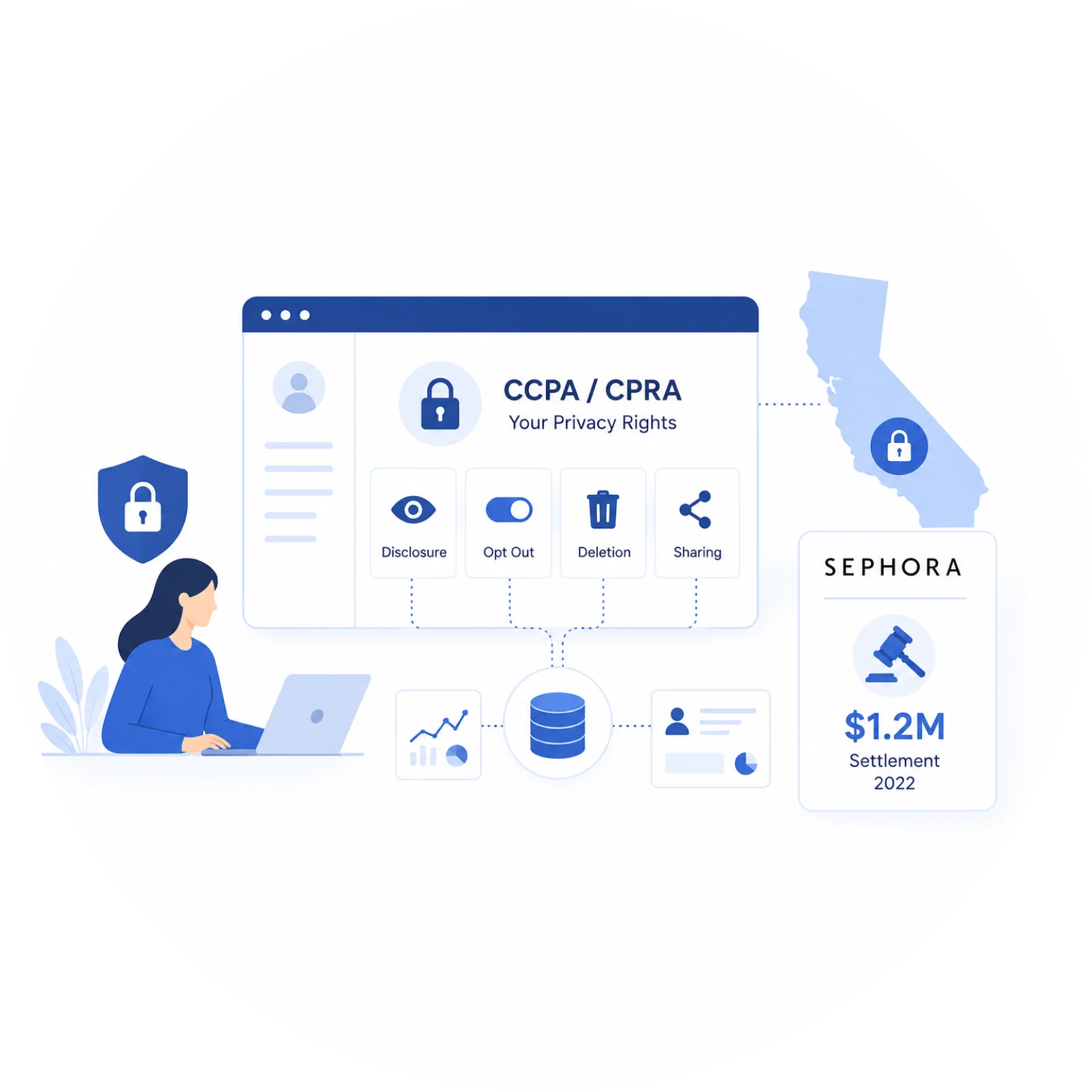
CCPA and CPRA
Privacy Rights
Governs disclosure, opt out, deletion, and sharing rules for website analytics and visitor behavior data.
Case:
Sephora agreed to pay $1.2M in 2022 to settle California CCPA claims involving website and app tracking data, failure to disclose sale of personal information, and failure to process opt out requests.
Why us
Why Whitefox
Faster Insights
Reduces Manual Microsoft Clarity Review
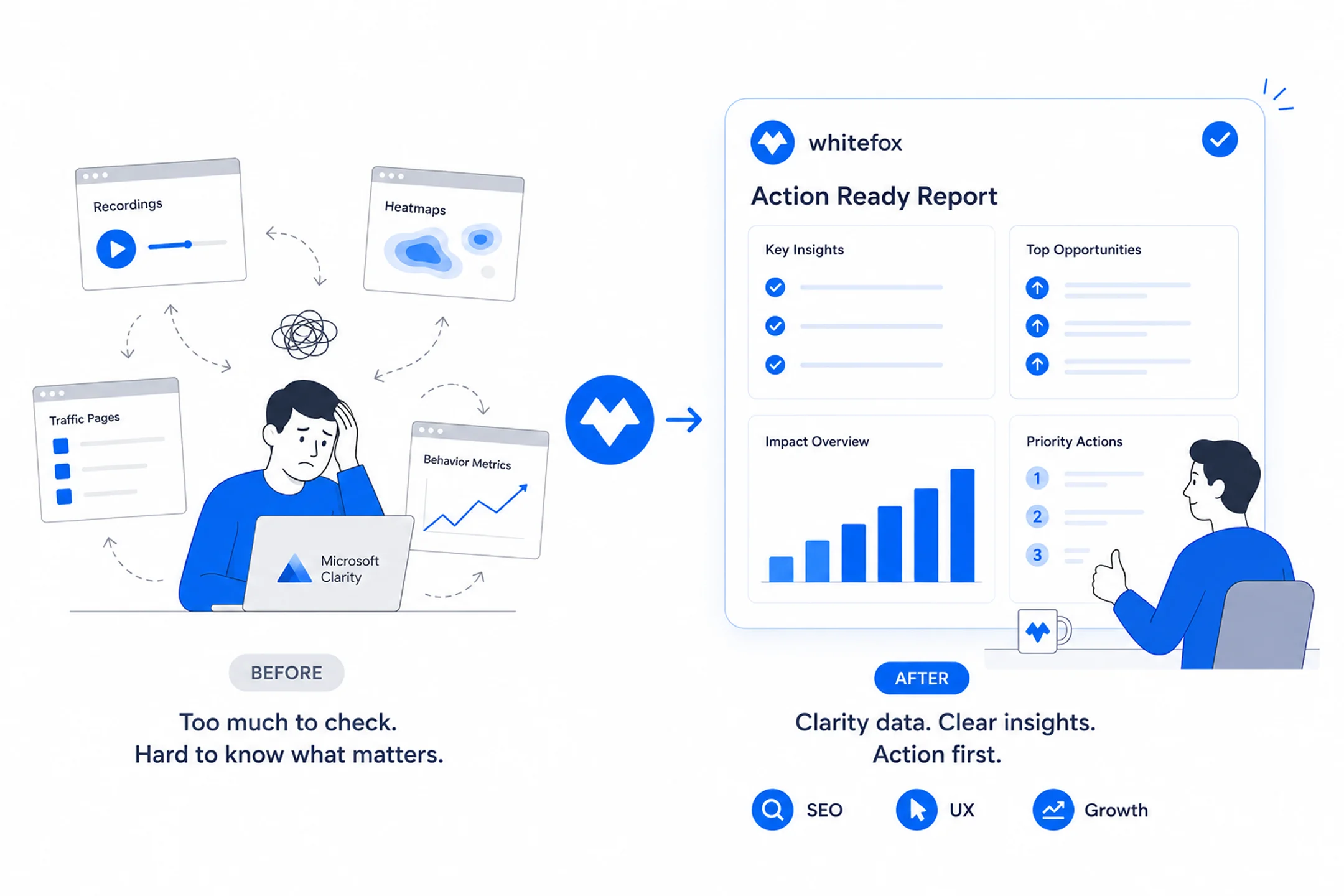
Teams often jump between recordings, heatmaps, traffic pages, and behavior metrics before they know what matters. Whitefox turns Microsoft Clarity data into action ready reports, so SEO, UX, and growth teams can focus on the next improvement instead of endless checking.
Replay Evidence
Finds Useful Replay Evidence
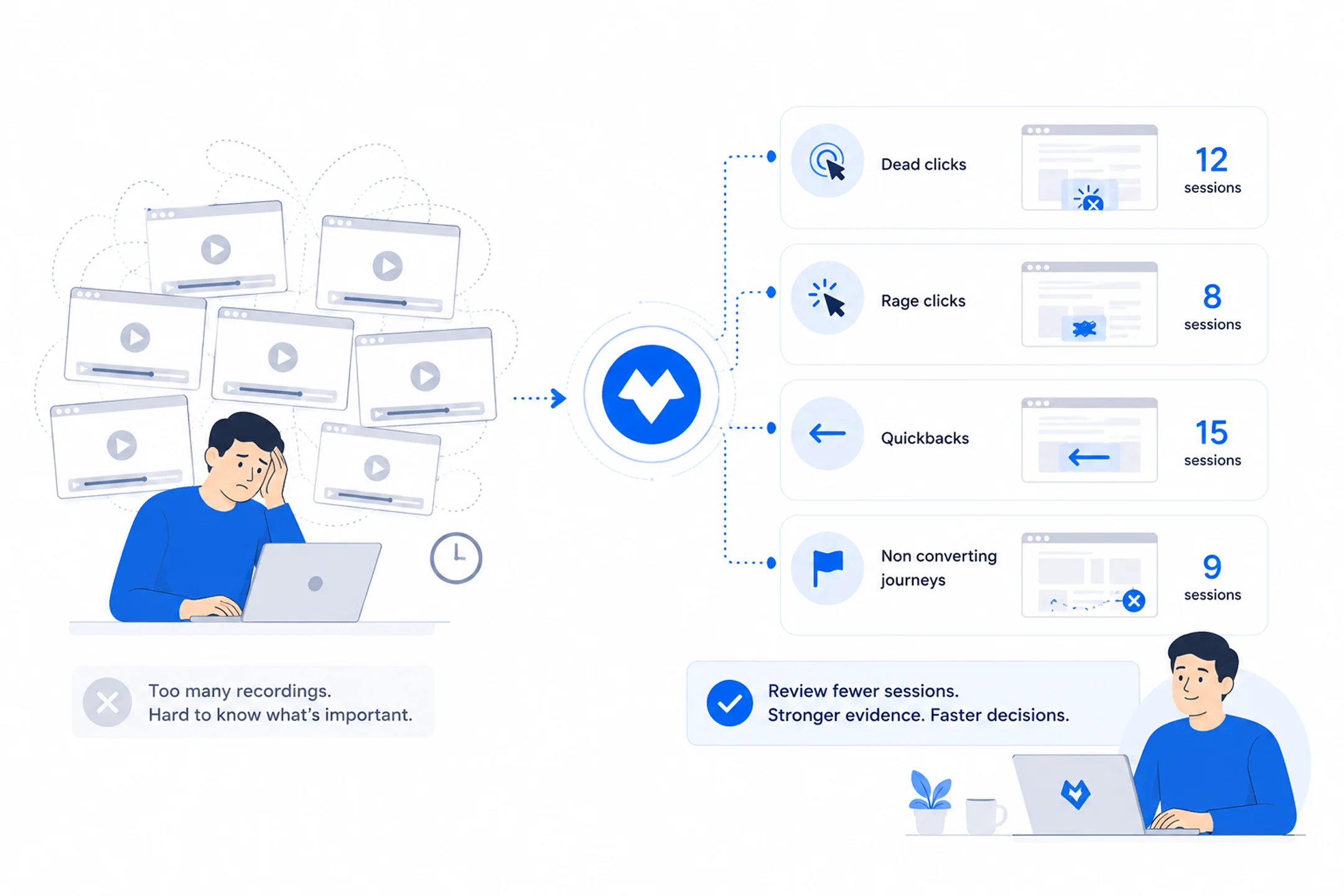
Session recordings are valuable, but watching too many of them can slow every decision. Whitefox groups Microsoft Clarity behavior patterns around dead clicks, rage clicks, quickbacks, and non converting journeys, so teams can review fewer sessions and find stronger evidence faster.
Conversion Clarity
Explains Conversion Friction Clearly
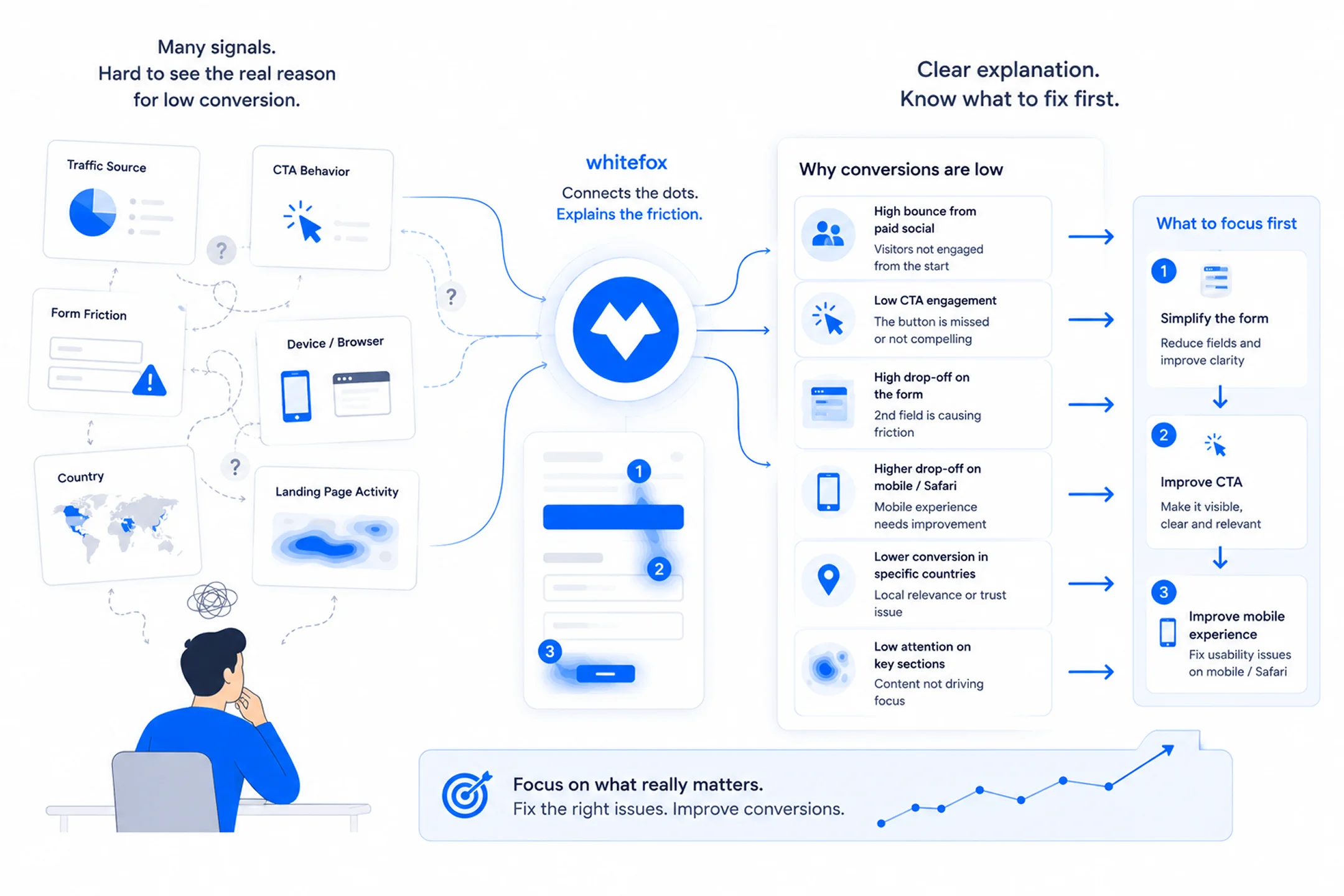
Low conversion is difficult to understand when traffic source, CTA behavior, form friction, device, browser, country, and landing page activity sit apart. Whitefox connects those Microsoft Clarity signals into clearer explanations, so teams know whether copy, placement, forms, buttons, or technical issues deserve attention
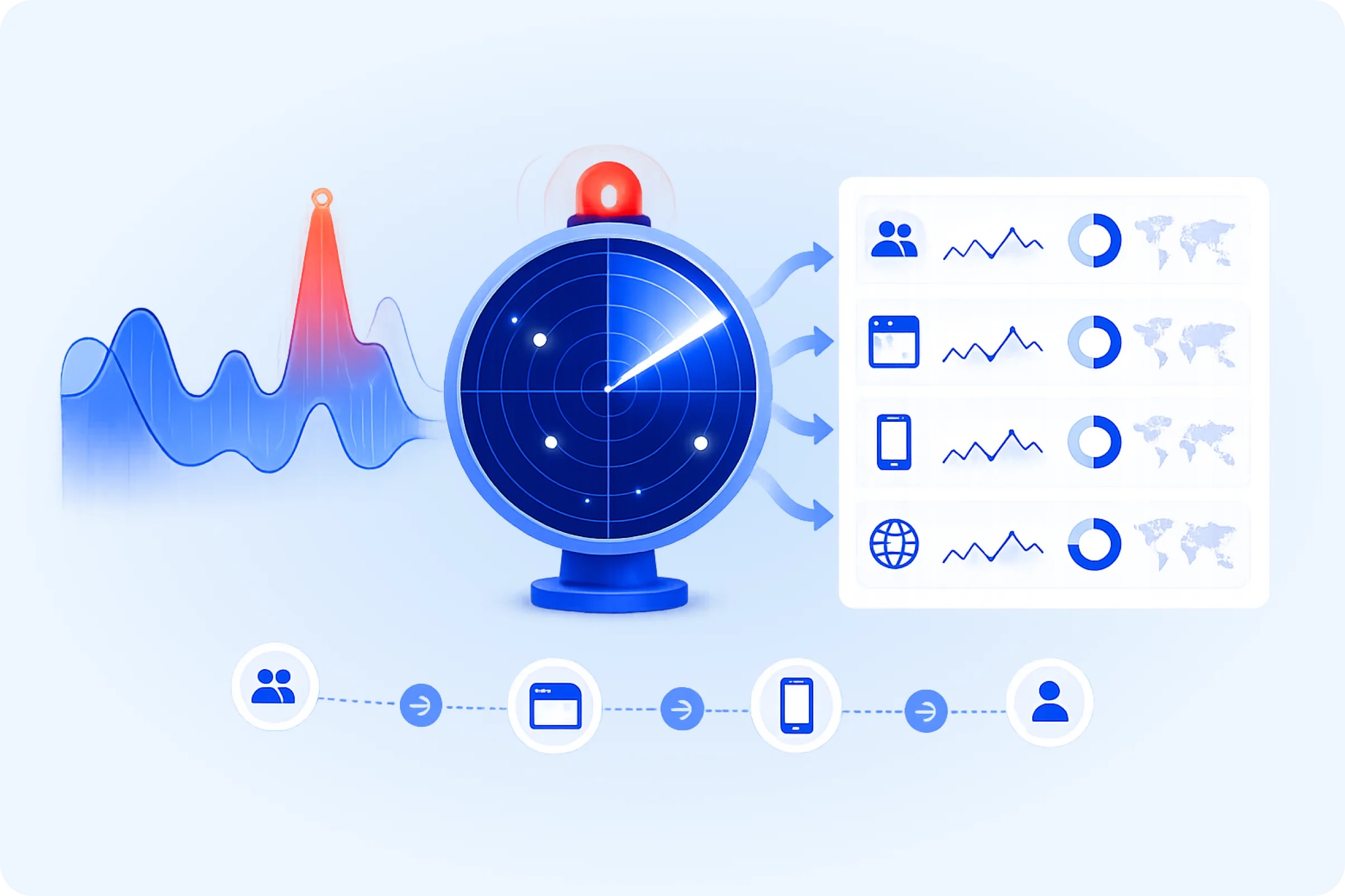
Anomaly Alerts
Flags Meaningful Traffic Changes
Campaign traffic, script errors, broken buttons, and sudden behavior shifts can hurt performance before anyone checks the dashboard. Whitefox helps monitor Microsoft Clarity signals for spikes and anomalies, so teams can see which page, source, browser, or segment needs action.

Workflow Support
Supports Custom Clarity Workflows
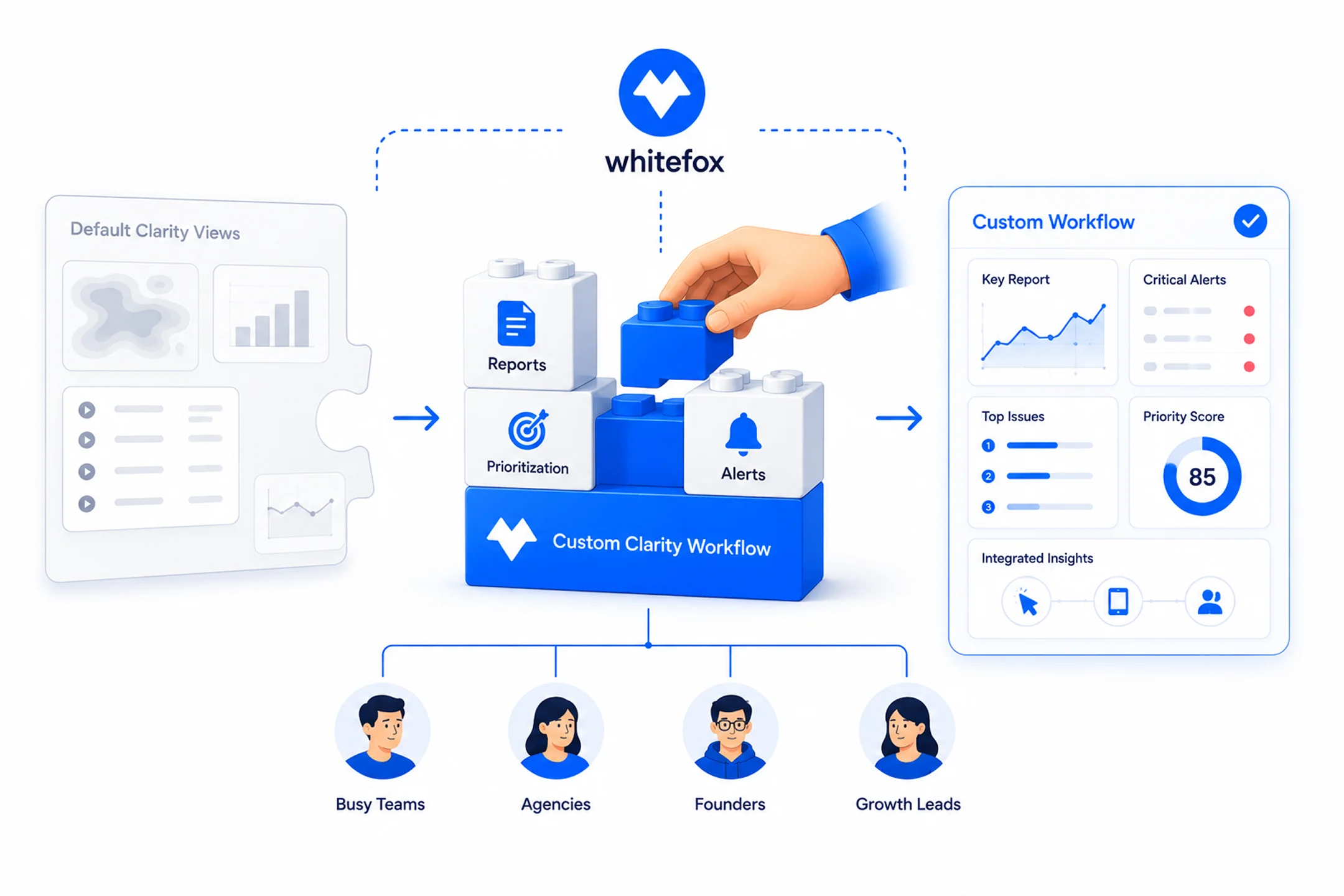
Default Microsoft Clarity views do not always match how busy teams, agencies, founders, and growth leads review performance. Whitefox can build, support, package, or integrate workflow focused Clarity analysis around reports, alerts, and prioritization, so teams get answers that fit their real decision process.
Boost Conversions with
Data That Matters
Turn Clarity data into actionable insights that increase conversions and revenue.